


 0
0
 0
0
Why Webcam Privacy Matters
Let me start with a story. A friend of mine had her webcam hacked through a malicious link. Someone was watching through her laptop camera for three weeks before she noticed the LED light was acting weird. She never clicked anything suspicious — just visited the wrong website at the wrong time.
Webcam hijacking is more common than people think. It’s not just movie hackers in basements — it’s botnets scanning for vulnerable cameras, credential stuffing attacks, and exploit kits sold on dark web markets.
For video chat users specifically, the risk isn’t just hackers. It’s also:
– Platforms accidentally exposing video feeds
– Poorly secured apps storing camera access unnecessarily
– Data breaches exposing user video sessions
– Screenshots taken without consent
I’ve been more careful with my webcam since that incident with my friend. Here’s what I’ve learned about actually protecting yourself.
Physical Camera Protection
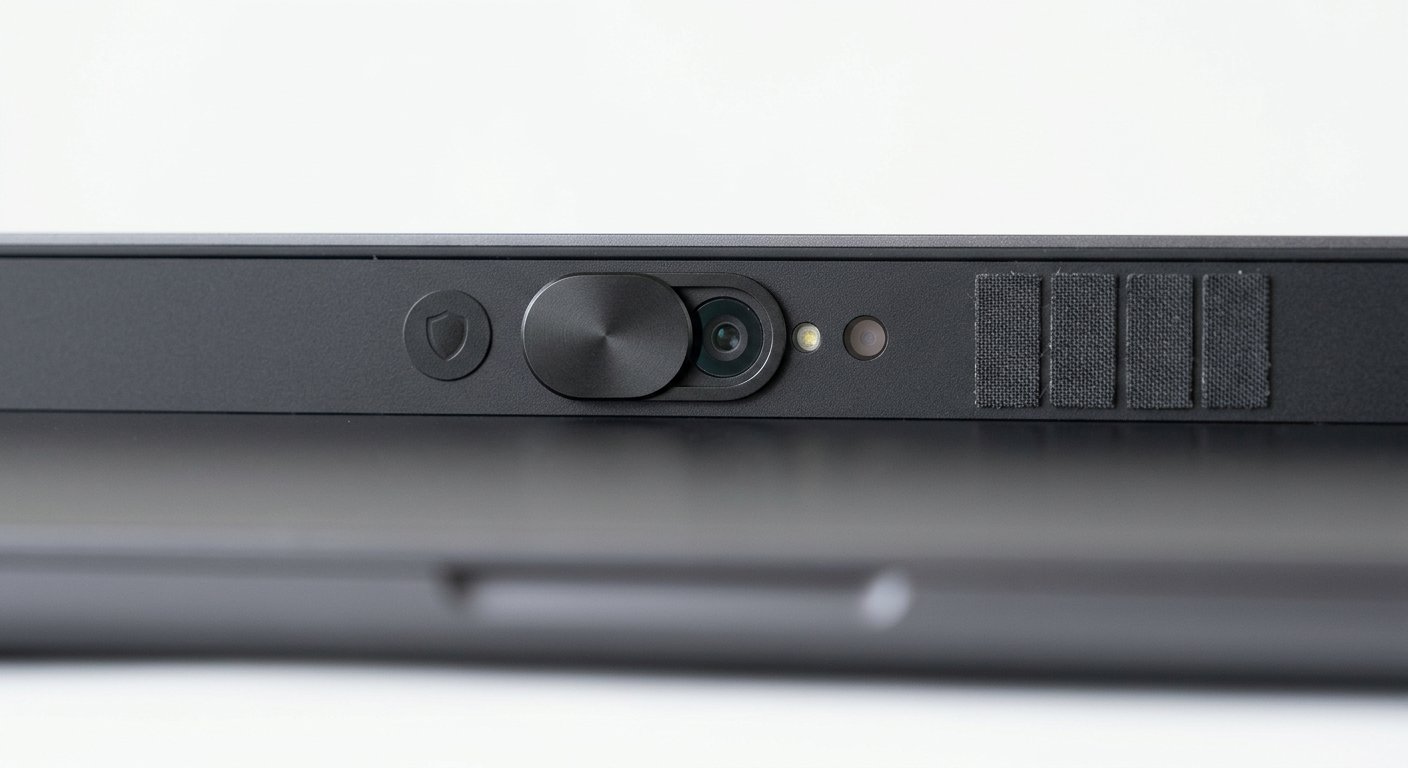
The simplest solution is also the most effective: block the camera physically when you’re not using it.
Hardware Covers
Sliding covers are cheap and effective. You slide it over the camera when you’re done, slide it away when you need to use it. Done.
Options range from $5 adhesive covers to $30+ mechanical sliders. The cheap ones work fine — you’re not paying for better protection, you’re paying for aesthetics and build quality.
For laptops, look for covers that won’t interfere with closing the lid. Measure your camera opening first. Some covers are too thick and can scratch your screen.
For external webcams, just unplug it when you’re not using it. Simple.
Software Disable Options
If you don’t want a physical cover, you can disable your camera in software:
On Windows: Device Manager → Imaging devices → Disable
On Mac: Terminal → sudo killall VDCAssistant (or use OverSight app)
The downside is you have to remember to re-enable it before video calls. That’s annoying and easy to forget.
I’ve tested various privacy tools for video chat platforms. OverSight for Mac is worth it if you’re serious about camera access control — it alerts you whenever an app tries to use your webcam.
Digital Camera Protection
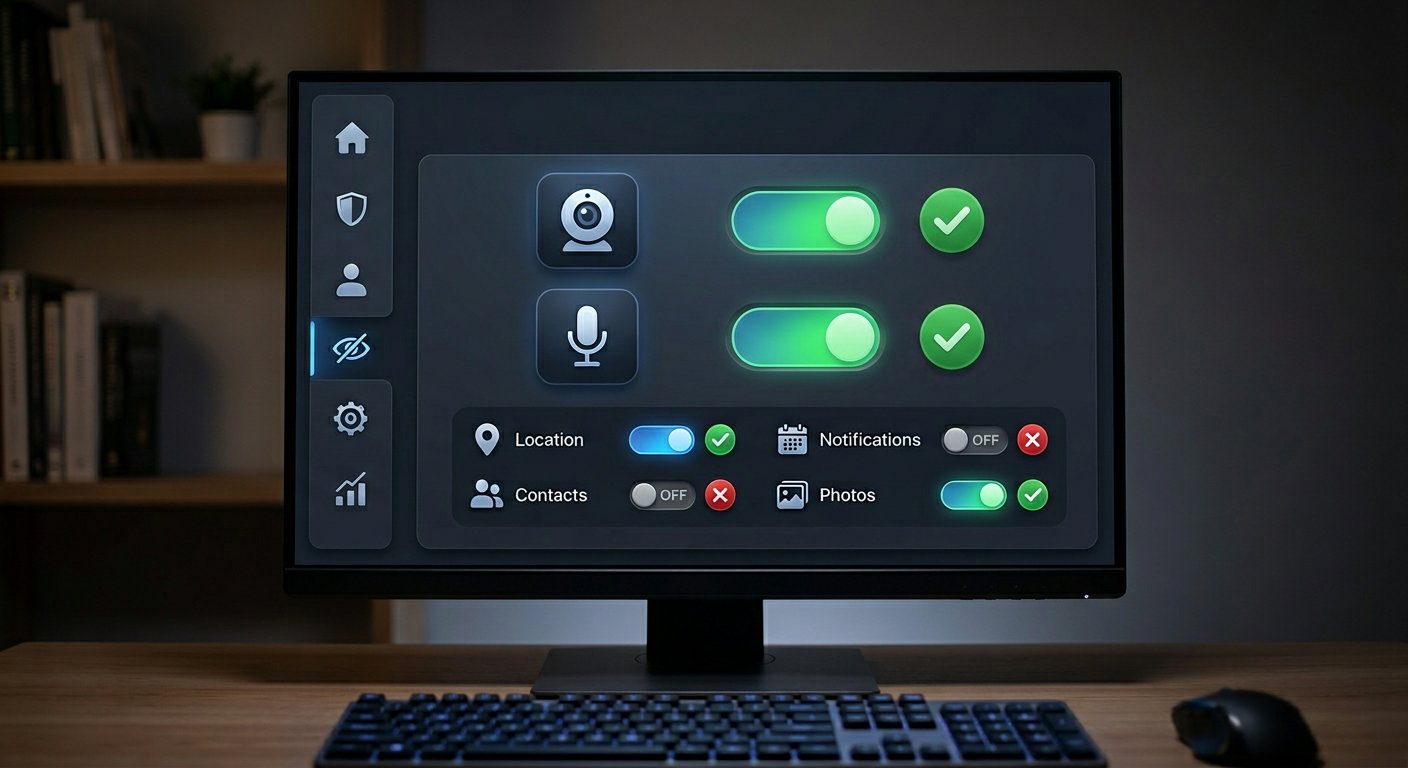
Physical covers help, but digital protection is also important. Your camera stream can be intercepted even without malware on your device.
VPN for Camera Stream
Here’s something most people don’t think about: your video travels from your device to the platform’s servers, then to the other person. At multiple points in that chain, your video could theoretically be intercepted.
A VPN encrypts your traffic, making it much harder to intercept at the network level. On public WiFi, this matters a lot. On your home network, it’s still good practice.
The EFF recommends VPNs for anyone concerned about network surveillance or interception. For video chat specifically, it adds a layer of encryption that protects your video stream from your device to the VPN server.
Look for VPNs with a no-log policy and kill switch feature. The kill switch cuts your internet if the VPN drops, preventing your real IP from being exposed.
Secure Connection Tips
Beyond VPNs, here’s what you can do:
- Check for HTTPS: Only use platforms that use HTTPS. You can usually tell by the padlock icon in your browser bar.
- Review app permissions: On mobile, check what permissions video chat apps actually request. If a random chat app wants access to your contacts, that’s a red flag.
- Keep software updated: Outdated camera drivers and video chat apps can have security vulnerabilities. Updates patch these.
- Use strong unique passwords: If you create accounts on video chat platforms, use different passwords for each. Credential stuffing attacks work because people reuse passwords.
The Wired security team covers webcam vulnerabilities regularly. The TL;DR: assume your camera could theoretically be accessed, and take reasonable precautions.
What to Do If You’re Worried
Already been using video chat without protection? Don’t panic. Here’s a practical checklist:
- Run a malware scan. Use Malwarebytes or your preferred antivirus. Pay for the full version if you’ve been compromised — free versions don’t always catch everything.
- Check for unfamiliar processes. Task Manager (Windows) or Activity Monitor (Mac) — look for anything using your camera that you don’t recognize.
- Change your passwords. If you created accounts on video chat platforms, change those passwords now.
- Enable 2FA where available. Adds a layer of protection even if your password is compromised.
- Consider a fresh install. If you think you’ve been seriously compromised, wiping and reinstalling your OS is the only way to be sure.
I’ve written about online safety before. The basics are always the same: be careful what you click, keep software updated, use a VPN on public networks.
Frequently Asked Questions
Q: Can someone access my webcam without me knowing?
A: Yes. Webcam access can be gained through malware, exploit kits, or malicious websites. The LED light is supposed to turn on when the camera is active, but sophisticated malware can sometimes disable this indicator. Use physical covers as your primary protection.
Q: Are built-in laptop cameras less secure than external webcams?
A: Not necessarily. Both can be compromised. External webcams can be unplugged when not in use, which is an advantage. Built-in cameras are harder to physically disable but can be covered with a physical slider.
Q: Does covering my webcam actually help?
A: Yes, for physical camera access. If someone hacks your device, they can’t see through a covered camera. It doesn’t protect against digital interception of your video stream, but it prevents someone from watching you without your knowledge.
Q: Should I use tape instead of a proper cover?
A: You can, but tape leaves residue and can be tricky to remove cleanly. Proper covers are cheap and designed to not damage your screen or leave marks. For laptops, use a cover designed for your model.
Q: Can video chat platforms see what’s on my screen?
A: They can only see what your camera and microphone capture. They cannot see your screen, other apps, or other browser tabs. Only share what you’re comfortable with on camera.
Want to know more about staying safe on video chat platforms? I’ve tested various platforms and documented security considerations. Privacy practices vary widely.
Further Reading